
EVE Evolved · New Ship HUD
A New Horizon
for the HUD
CCP's redesigned command board is now an opt‑in beta. Here's what's changing, why it matters, and how to try it.
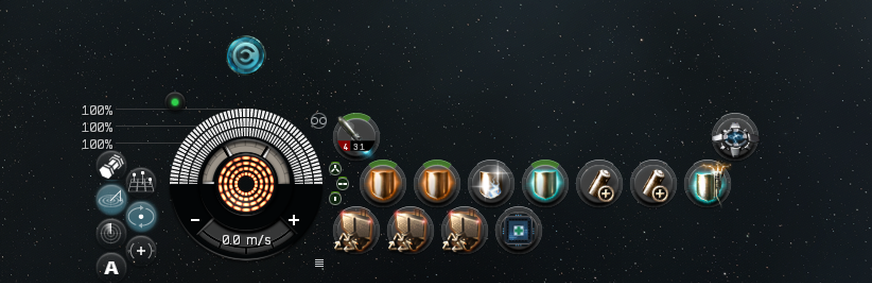
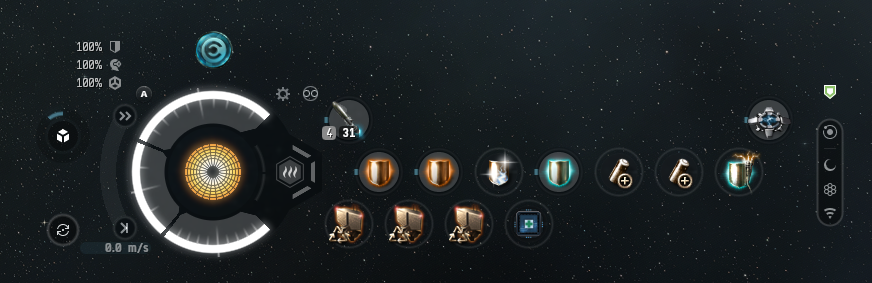 Legacy HUD
New Ship HUD
Drag the handle to compare. Screenshots: RustyBot.
Part of Fractured Skies
The HUD evolves with EVE's latest expansion.
Fractured Skies arrives 10 November 2026. The new HUD is available now through Feature Previews.
See the expansionWhat's changing
The first iteration focuses on the command board — the center-bottom cluster that holds your capacitor, modules, shield, and armor. CCP's stated aims:
Module states & ship status
Clearer communication of what your modules are doing and what's happening to your ship.
Danger, at a glance
More recognizable danger indicators, and better prioritisation of information that needs attention now.
Easier to discover
Overheating, precise speed controls, and other features should be easier to find and understand.
Clarity for everyone
More clarity for new players; more precision and insight for experienced pilots.
Command board
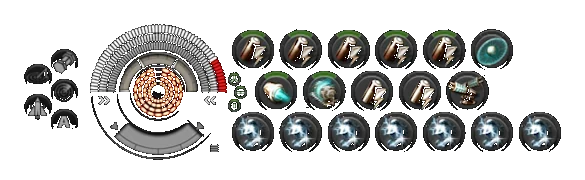
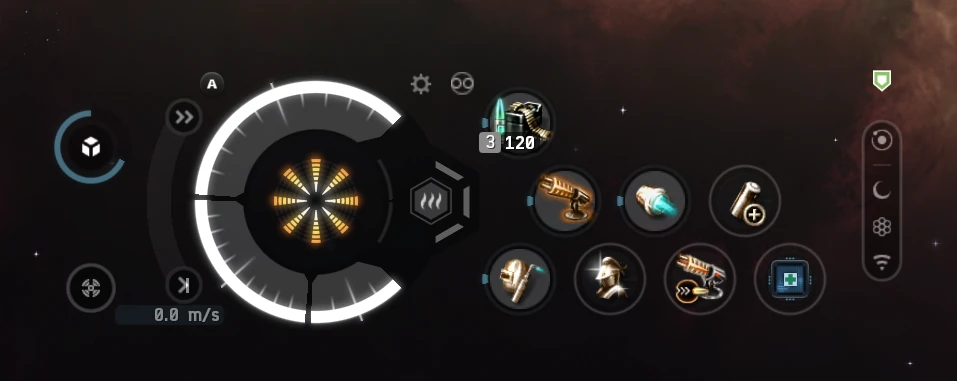
Inside the first build
These are the changes listed in the client's Feature Previews description for the New Ship HUD:
Updated medallion
Hitpoints, capacitor, speed, and heat in one redesigned display.
Module status & animations
New feedback and animations make module states easier to read at a glance.
Utility column & safety toggle
A redesigned utility button column and a clearer safety toggle.
Overheating controls
More prominent overloading controls with clearer state changes and damage display.
New Ship HUD (Feature Preview).
Why now
The HUD has been part of EVE for two decades. Much of its current form dates to around 2005, and for many players it is the only HUD they have ever known. It is iconic — but it was not designed for the way people learn games today.
After Photon UI, CCP is taking a deliberate look at the command board. The intention is not to make EVE simpler, or to change it just to look new and shiny. It is to improve telegraphing, legibility, and clarity while preserving the identity of EVE's HUD.
“The goal is not to make EVE simpler, but to make its complexity easier to engage with.”
EVE Online Team
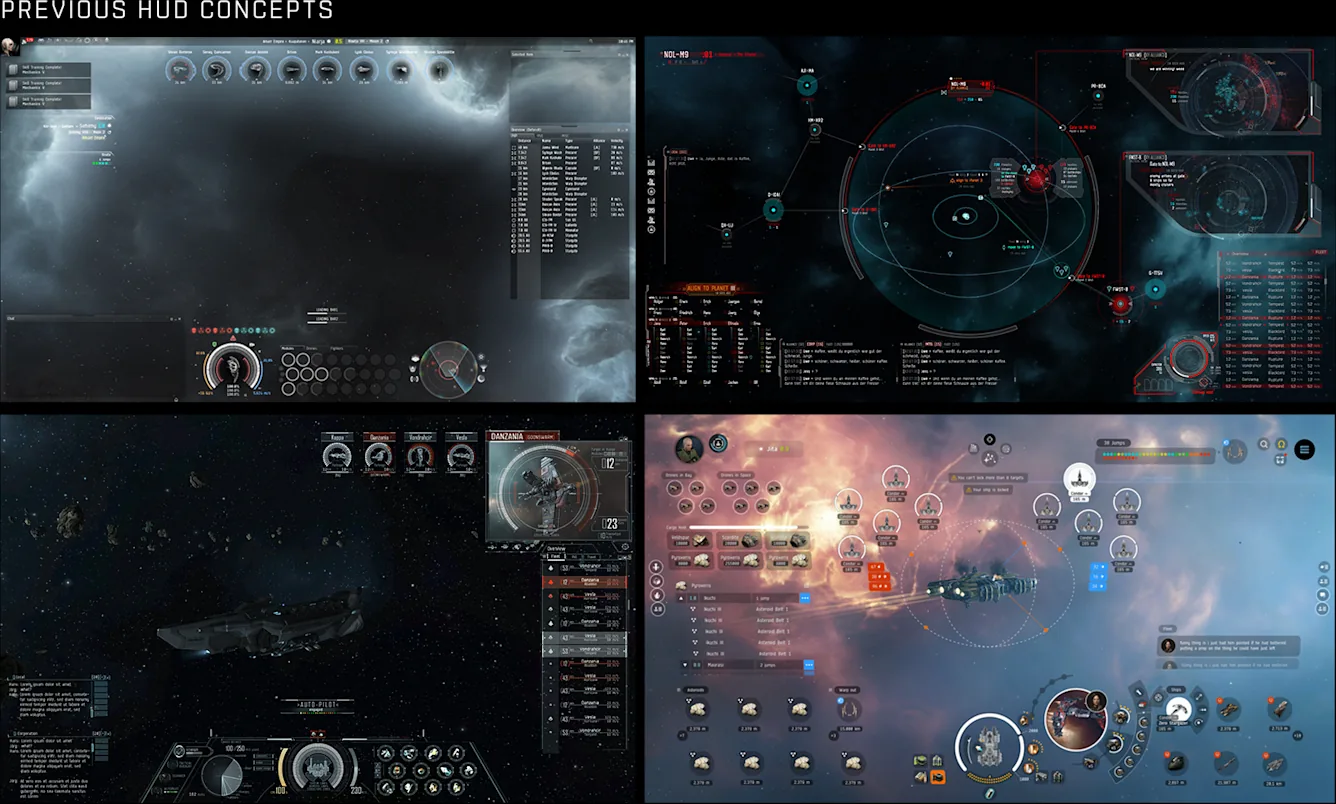
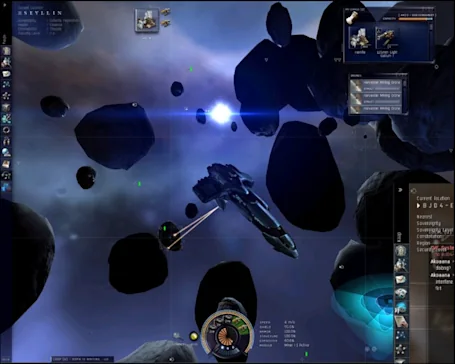
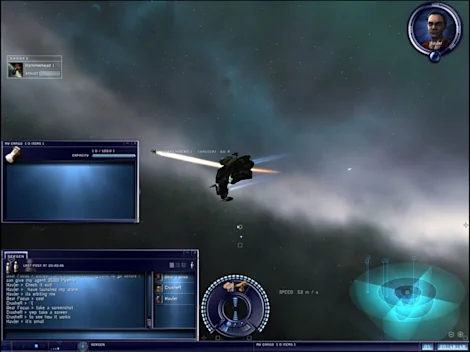
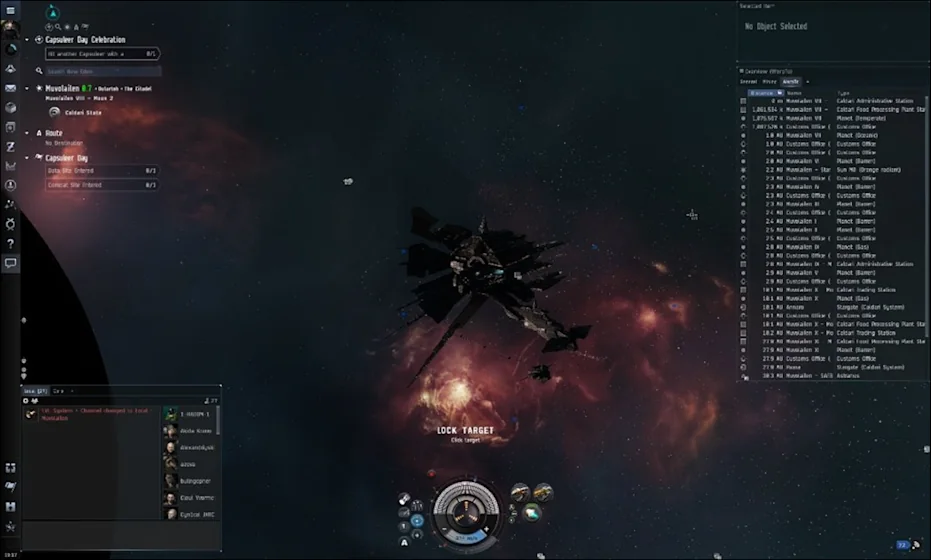
Evolution images: CCP Games / Fenris Creations, via the EVE Evolved dev blog.
The design principles
Telegraphing
Danger should be easier to recognize. Important information should announce itself before it becomes a problem.
Legibility
Status, states, and priorities should be readable at a glance — not learned by osmosis.
Clarity
Moment-to-moment piloting should feel natural, without removing the depth that makes EVE, EVE.
Designed with players
A design is a hypothesis. CCP tested this one with new players, the CSM, and players at Fanfest.
New-player interviews & usability sessions
Watching where the current HUD creates friction, and how new designs communicate important information.
CSM reviews
Concepts and iterations reviewed with the Council of Stellar Management across playstyles.
Fanfest workshop
A dedicated HUD workshop and UI/UX booth feedback from players at Fanfest.
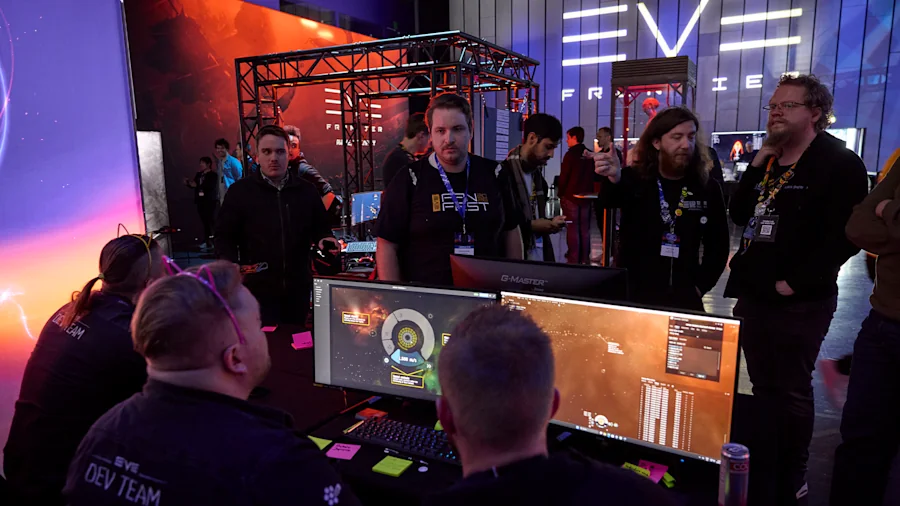
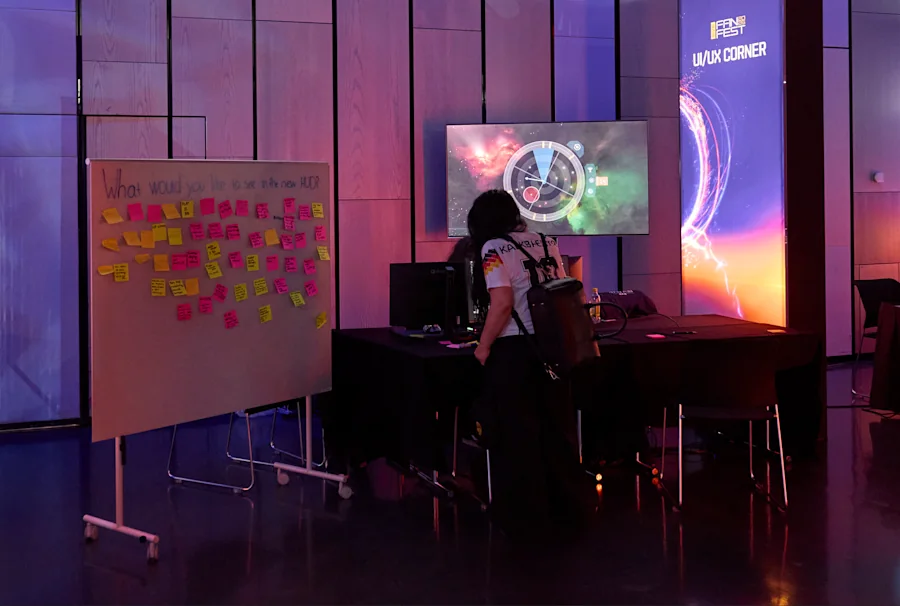
“A design is ultimately a hypothesis about what will work best for the people using it.”
EVE Online Team
How it rolls out
The rollout follows the Photon UI pattern: start opt-in, learn, widen the test, then make it the default.
Feature Previews
Opt in through the client settings and spend meaningful time with the new HUD.
Live nowFeedback & iteration
Player feedback and testing data shape the next iteration of the design.
In progressOpt-out beta
A wider test before the HUD becomes the default experience.
LaterDefault HUD
The polished version rolls out to everyone once it is ready.
TBDTry it yourself
How to enable the New Ship HUD
- 1Open Settings
Press Esc in the EVE client.
- 2Go to Feature Previews
It is in the left sidebar.
- 3Select New Ship HUD
The preview is marked NEW.
- 4Enable it
No restart required. Toggle it off any time.
What comes next
This is the first of three HUD dev blogs. The next two will take a closer look at specific parts of the HUD, the design decisions behind them, and what CCP learned from player research. EVE Evolved also covers the move to Python 3 and lighting/VFX improvements.
What exactly is the command board?
The center-bottom part of the HUD. It holds the capacitor, module rack, shield, and armor information — the cluster CCP is focused on for this first iteration.
Is the new HUD mandatory?
No. It is an opt-in Feature Preview right now. CCP plans to move to an opt-out beta later, then make the HUD the default once it has been refined with player feedback.
Will it change how the game plays?
No. It is a UI update. The underlying game systems, rules, and balance are unchanged.
Does it apply to structure HUDs?
Not yet. The current preview applies to ship HUDs only; structure control HUDs remain unchanged at this time.
How do I enable it?
Open Settings, go to Feature Previews, select New Ship HUD, and enable it. No restart is required, and you can toggle it off at any time. See the walkthrough above.
Where does feedback go?
Use the in-client feedback tools and CCP's official channels. CCP says feedback from the feature preview will be used to improve future versions.
What's next for EVE Evolved?
Two more HUD dev blogs, plus EVE Evolved posts on the Python 3 modernization and lighting/VFX improvements.
Read the source
Primary source
EVE Evolved: A New Horizon for the HUD
EVE Online Team · 14 August 2026
Read on EVE OnlineSupport RustyBot
Enjoying the recap?
If this was useful, you can support RustyBot on Ko-fi. Every contribution goes back into the tools and coverage.
Support on Ko-fi